After years of not caring about fonts, I’ve recently set my system font to Atkinson Hyperlegible 1 and disabled remote fonts in uBlock.
While reading “Lieb und Teuer” by Ilan Stephani in zathura, I noticed the font
being different.2 Since zathurarc(5) only
lets me change command prompt font, I considered switching to another epub
reader. But trying to install one of those would have taken ages due to their
webengine dependencies and my dial-upesque internet connection.3
Then I remembered there are only two file types: txt and zip.
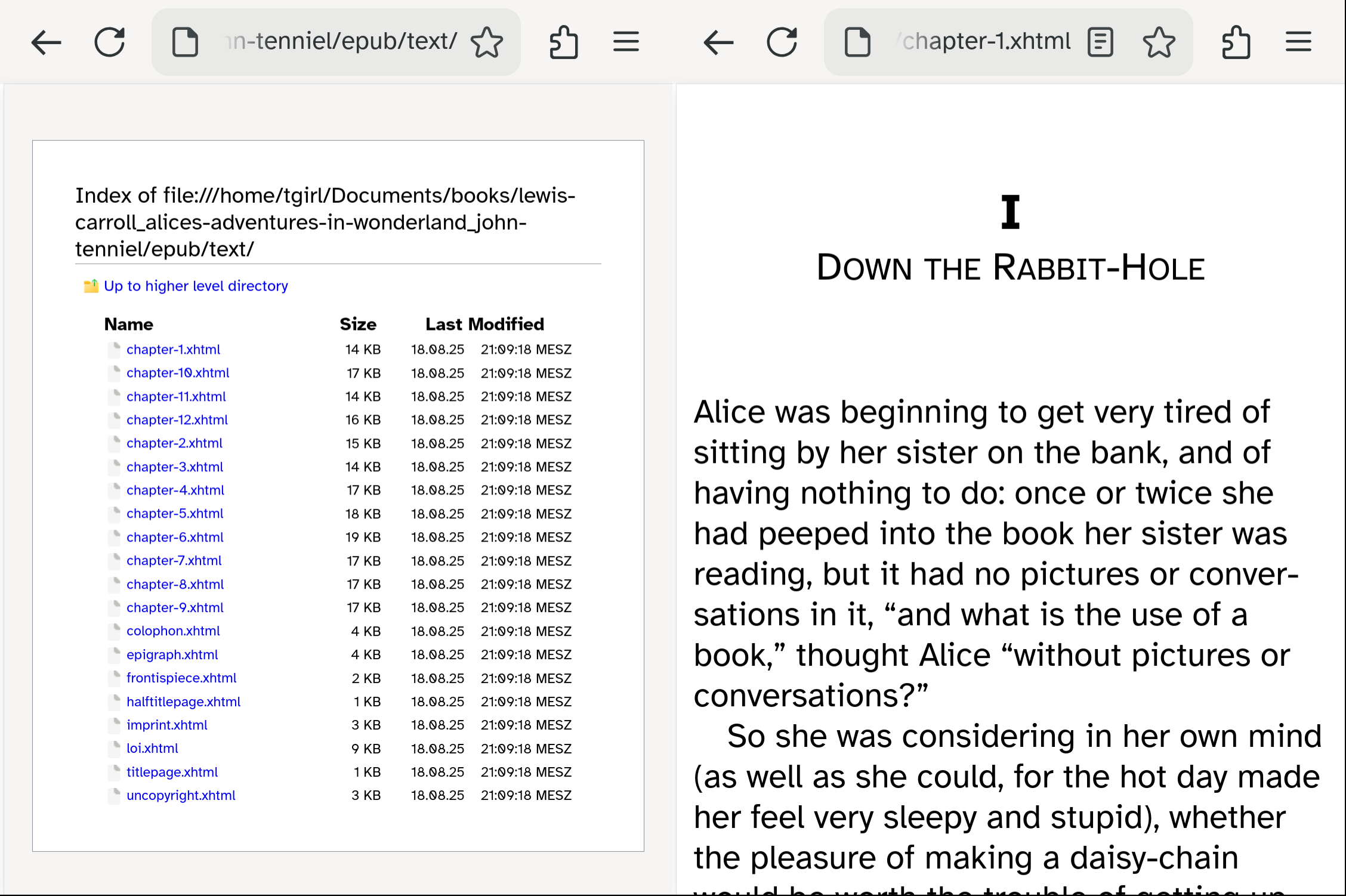
Simply unzip book.epub -d book, then librewolf book/epub/text/.4 Now open
a chapter and enjoy your system font! After finishing a chapter, go back and
select the next.
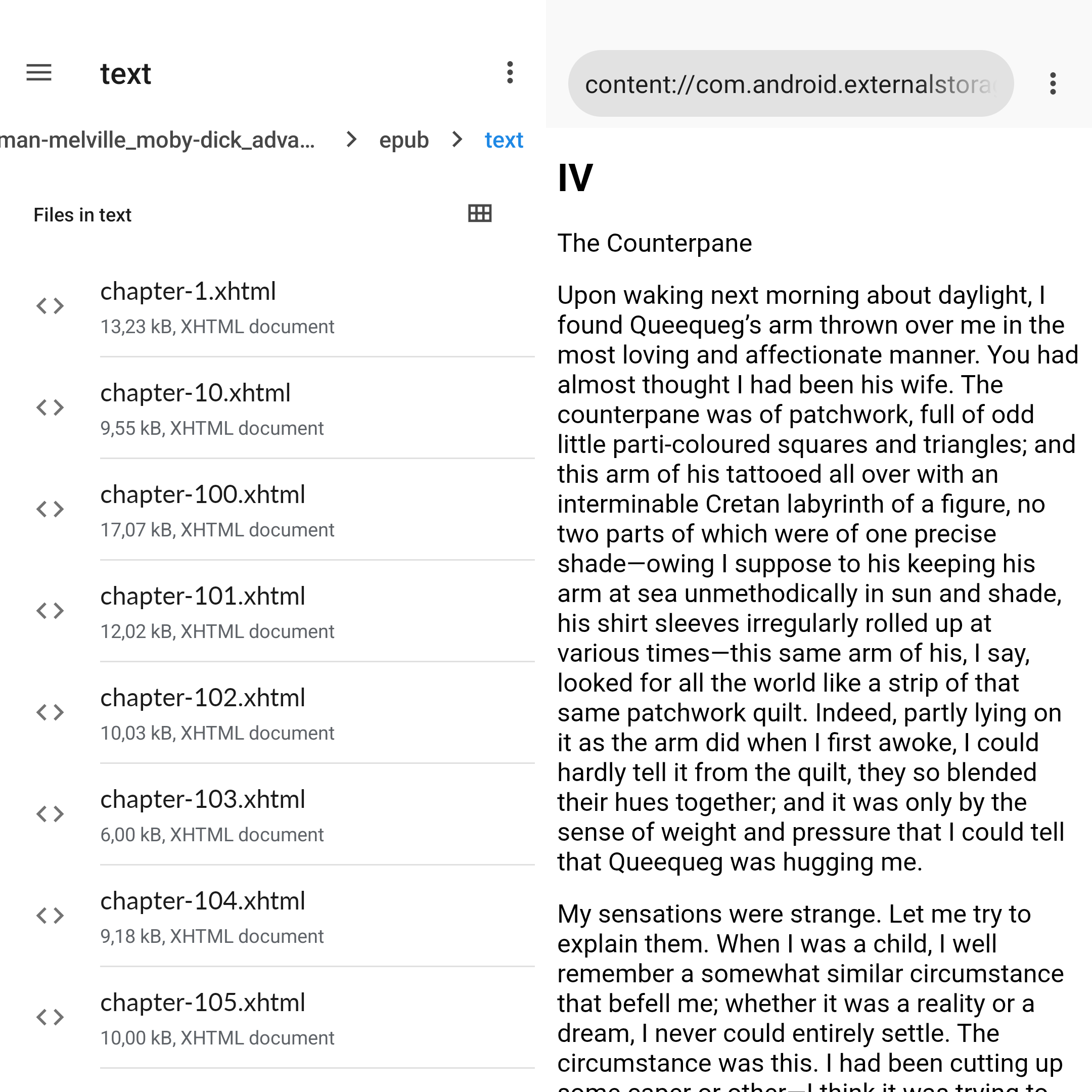
On Android, the stock file manager won’t let you unzip book.epub directly;
you’ll have to rename it to book.zip first.5 I’ve set the default app for
html and xhtml files to the browser that ships with LineageOS.
Unfortunately, changing the system font to Atkinson Hyperlegible is not possible on stock LineageOS. Guess that’s just another reason to improve telephony and hybernation support on mobile linux.